
Seeing “Google Hasn’t Verified This App”? Here’s What to Do

What Should You Do?
Don’t Worry—It’s Safe to Proceed
How to Continue
-
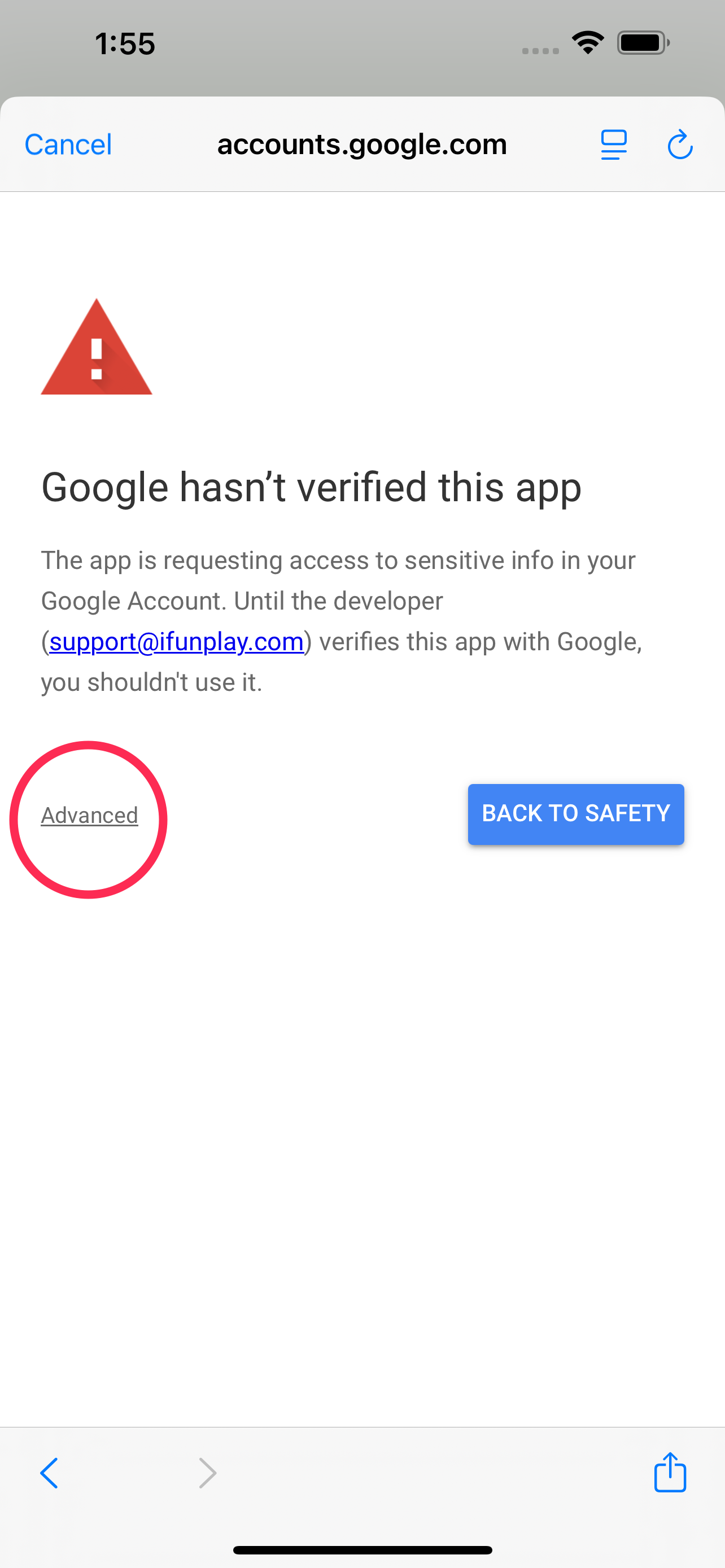
Click “Advanced” on the warning page.
-
Click “Go to DocScan (unsafe)” to proceed.

-
Follow the instructions to grant the required permissions.


Why Are Permissions Needed?
Your Privacy and Security
Summary:
Seeing this message is normal and does not mean your data is at risk. Please follow the steps to continue, and rest assured that your privacy is safeguarded.