
How to Scan a QR Code?
Easily scan and recognize QR codes directly from images saved in your photo library.
❶ Open the Scanner
Tap the + button on the home screen to start a new scan.

❷ Select "QR code" Mode
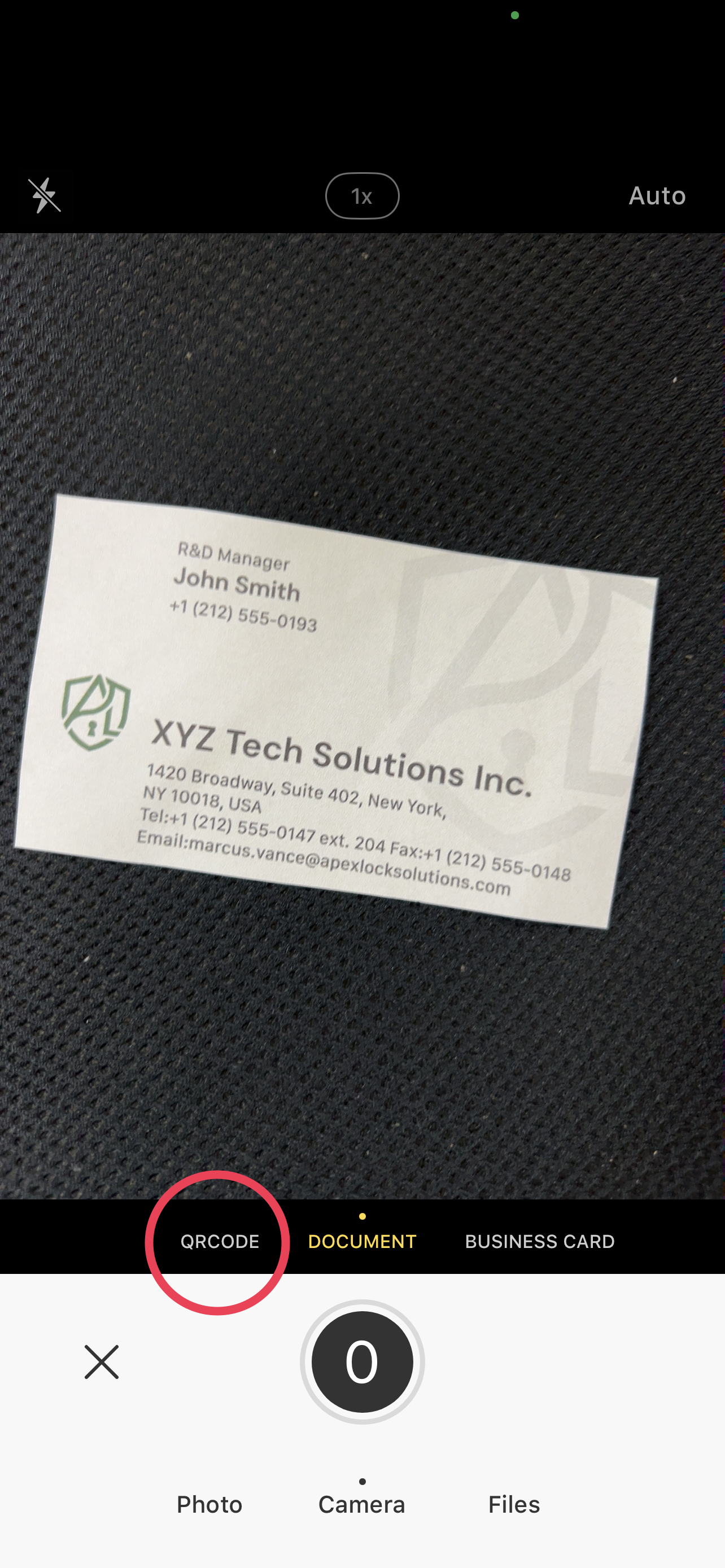
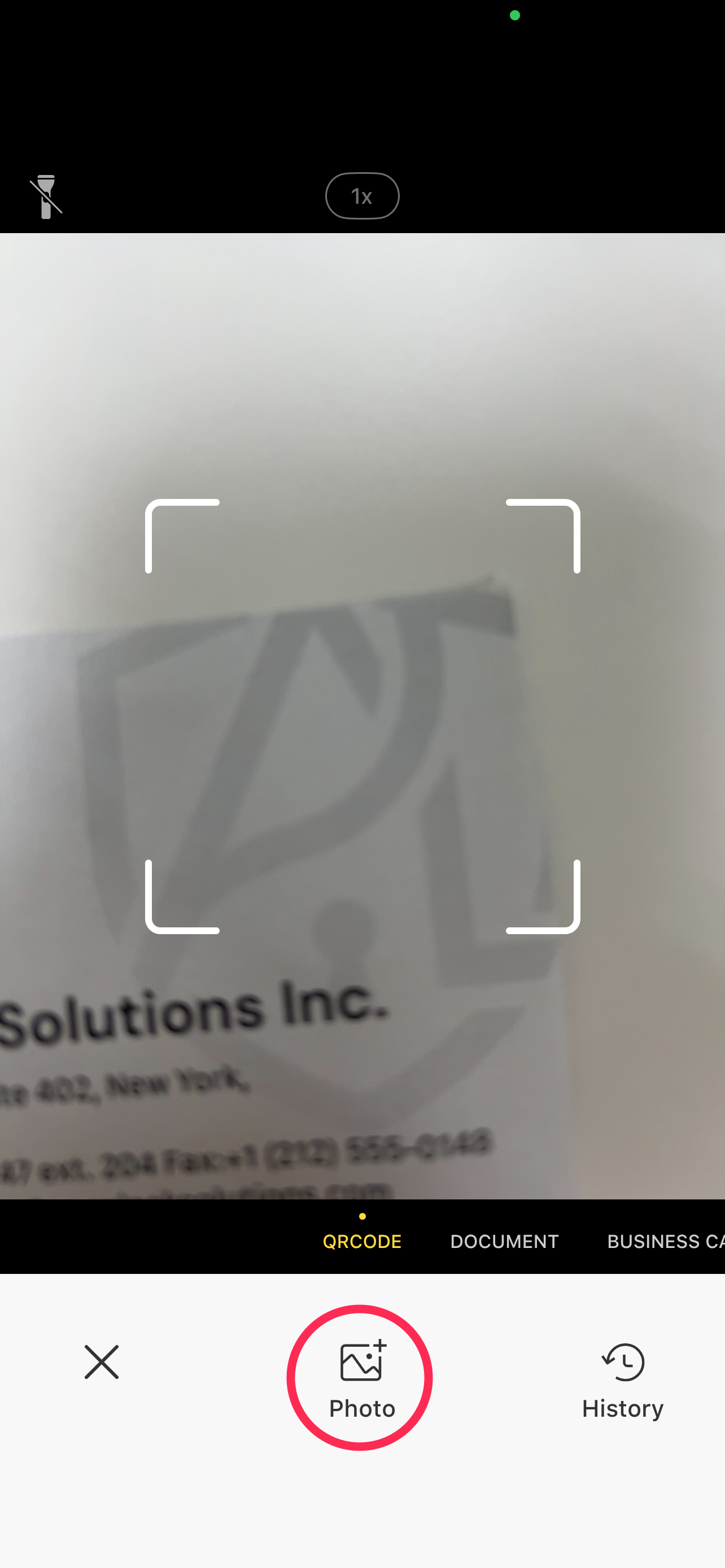
❸ Scan or Import
Point your camera at the QR code, or tap Import Photo at the bottom of the screen to select an image from your photo library.
❹ View Results & Take Action
The app will automatically extract the QR code information. From here, you can immediately:
- Open links in your browser
- Make phone calls
- Add details directly to your contacts
- Send emails or copy text